It’s the last business day of the month. You need the books closed by the end of week.
Seventeen invoices are sitting in an approver’s inbox; he’s been in Auckland for a conference since Tuesday. Three more are somewhere in the branch manager’s email; finance sent a chase message yesterday, no reply. The expense cut-off was supposed to be the 25th, but two invoices that came in after that are now flagged as needing inclusion because they relate to this period. Accruals are due by midday tomorrow, and the AP team can’t tell you with confidence what’s outstanding; their estimate is based on who they’ve been chasing, not on any system view.
You know the drill. You’ve closed a month this way dozens of times. You’ll get there, but the close that should take two days will take five, two of which will be your team’s time and one of which will be yours, reconciling numbers that don’t quite square because the coding on three invoices was wrong and had to be reversed and re-entered.
This is a normal month-end for a mid-market finance team running AP on email and goodwill. It doesn’t feel like an AP problem. It feels like month-end. But the scramble isn’t inherent to closing a month; it’s the downstream effect of how invoices move through your business in the 25 days before close.
Three Ways Manual AP Compounds at Month-End
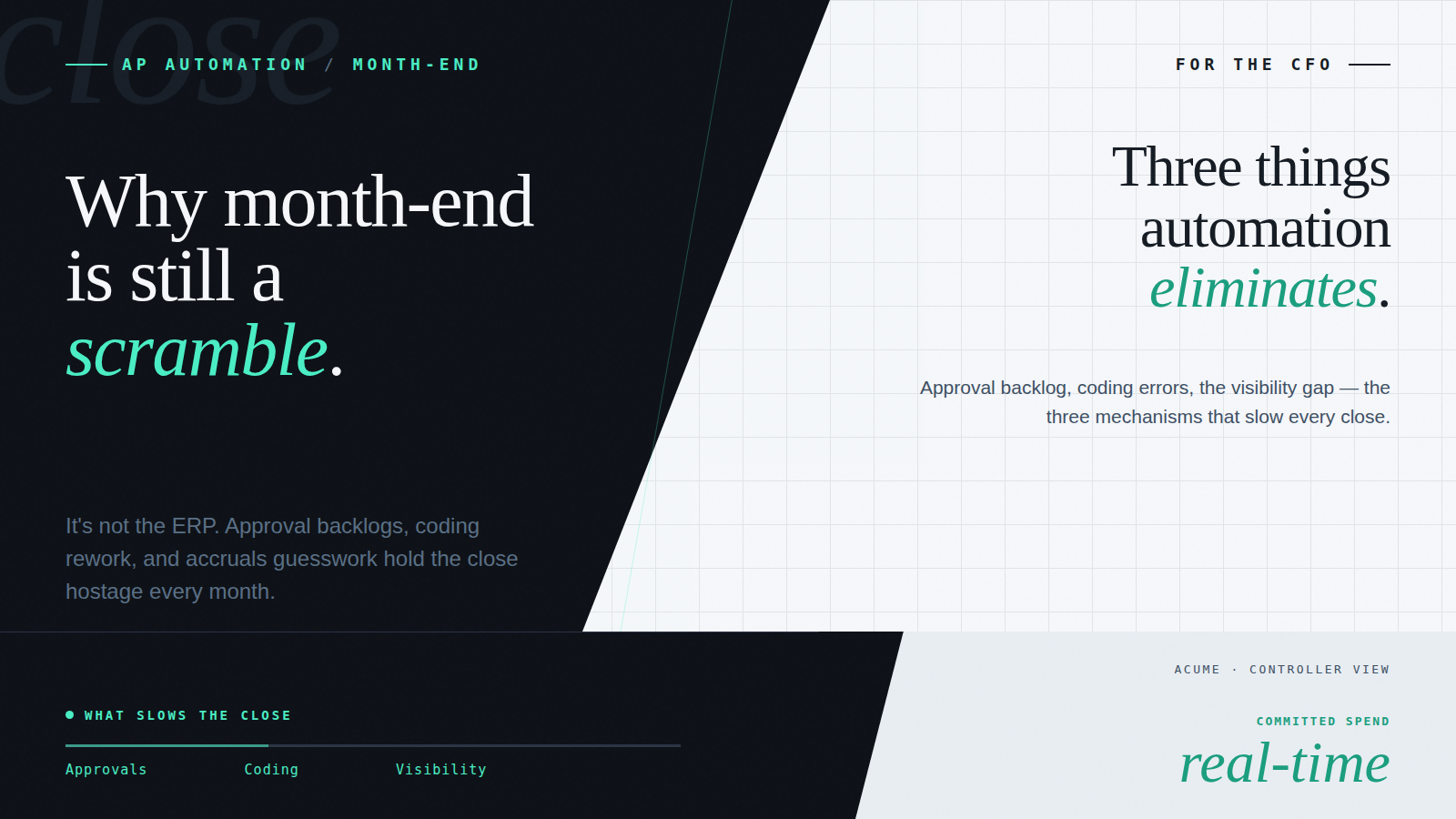
Month-end close exposes every weakness in the AP process that went unaddressed during the month. There are three specific mechanisms.
1. The Approval Backlog
In an email-based approval workflow, invoices move through the process at the speed of the slowest inbox. During a normal month, delays are absorbed; late approvals this week get caught up next week. At month-end, there’s no next week. Every invoice that didn’t clear the approval chain before cut-off is either excluded from the close (creating an accrual) or held up while finance chases the approver (delaying the close).
The chase itself is expensive. A finance team processing 400 invoices a month with a 15% approval delay rate is chasing 60 approvals at month-end. each one requiring at least two contacts. That’s a half-day of reactive admin before a single number has been reconciled.
The structural problem: email-based approvals have no cut-off enforcement. There’s no mechanism that escalates an invoice when the month is about to close, routes it to a delegate when the approver is unavailable, or flags to the financial controller that 17 invoices are sitting unapproved with two days to close. Finance finds out when they go looking, which is usually when it’s already a problem.
2. Coding Errors Discovered Late
Manual GL coding is accurate in the moment it’s done and wrong in the aggregate. The errors, supplier invoices coded to the wrong cost centre, GST treatment applied incorrectly, multi-entity invoices allocated to the wrong entity, aren’t visible until month-end reconciliation, when the trial balance doesn’t agree with what should be there.
Rework at month-end is a compounding cost. The original error takes seconds to make. Identifying it requires comparing the trial balance against source documents. Correcting it requires a journal, journal approval, and re-reconciliation. For a mid-market business, three or four coding errors per month-end add two to four hours of reconciliation overhead each month, indefinitely.
The structural problem: manual coding has no validation layer. The person coding the invoice may be right. They may be wrong. The system doesn’t check either way. The error survives data entry and approval and surfaces at month-end reconciliation, the worst possible time to find it.
3. The Visibility Gap
Accruals are an estimate of what has been incurred but not yet invoiced or posted. In a manual AP environment, that estimate is based on memory, email chains, and whatever the AP team can piece together from their inboxes. It is not made from data.
The finance team can tell you what has been approved and posted at month-end. They often cannot tell you what is outstanding. Invoices received but not yet approved, in the approval chain, and issued by suppliers but not yet received. Without that visibility, accruals are a best guess. If the guess is wrong, the reported result is wrong.
The structural problem: manual AP has no live position. The only way to know what’s outstanding is to ask the people who are processing it, which is a person-dependent, time-consuming exercise that produces a snapshot that’s already out of date by the time you receive it.
What Changes with AP Automation: The Month-End Timeline
AP automation doesn’t accelerate month-end close by processing invoices faster. It eliminates the conditions that make month-end slow in the first place. The difference is structural, not incremental.
Without AP automation — With AP automation
Approvals sitting in inboxes at cut-off – finance chases manually — Approvals routed automatically during the month; escalation rules enforce cut-off without manual intervention
GL coding errors discovered at reconciliation – journals required to correct — Business rules validate coding at entry point – errors are prevented before posting, not corrected after
Accruals estimated from memory and email chains — Outstanding invoice dashboard shows committed, approved, and pending spend in real time – accruals built from data
Approval trail reconstructed from email history for audit — Full approval trail – who approved what, at what amount, when – logged automatically and retrievable on demand
Close takes 4–6 days; two days of that is rework and chasing — Close is a validation exercise – confirming what the system already reflects, not assembling what it doesn’t
Multi-entity close requires logging into separate systems per entity — All entities visible in one platform; finance leaders navigate between entity views without switching systems
The close timeline doesn’t compress because the automation is faster. It compresses because the work that used to happen at month-end, chasing, correcting, estimating, now happens continuously during the month, or doesn’t happen at all.
Visibility: What Real-Time AP Data Gives the CFO
The most undervalued benefit of AP automation for the CFO isn’t the reduction in processing costs. It’s the information.
In a manual AP environment, the financial controller’s view of the AP position is a lag indicator. You can see what’s been posted. You cannot easily see what’s been received but not approved, what’s been approved but not exported to the ERP, or what suppliers have invoiced but finance hasn’t yet processed. The gap between the committed position and the reported position can be significant, and it widens as invoice volumes grow.
A modern AP platform makes the AP position visible in real time. At any point during the month, not just at close, the financial controller can see:
- Invoice status by entity, by supplier, and by approver, what’s awaiting approval, what’s approved and pending ERP export, what’s posted
- Committed spend versus approved spend versus paid, the three stages that matter for cash flow and accrual accuracy
- Aged exceptions, invoices that have been in the approval chain longer than expected, with the specific bottleneck identified
- Approval coverage by delegated authority, confirmation that invoices above each threshold are reaching the right approver
- Multi-entity consolidated view, all entities’ AP positions in one dashboard without logging into separate systems
This changes the month-end dynamic fundamentally. The financial controller who can see the AP position throughout the month arrives at close with a clear picture of what’s outstanding, what needs to be accrued, and whether the approval chain is clear. Month-end becomes a confirmation exercise rather than an investigation.
It also changes the quality of the reported result. Accruals based on a real-time dashboard of outstanding invoices are more accurate than accruals based on an AP team’s recollection of their inbox. The reported position is closer to the actual position, which is what the close is supposed to achieve.
eInvoicing: Commitments Visible Before the Invoice Arrives
For ANZ businesses operating in Australia and New Zealand’s expanding eInvoicing mandate, there’s a further change in the visibility picture.
A Peppol eInvoice doesn’t arrive as a PDF email attachment that sits in an inbox until it’s processed. It arrives as structured, machine-readable data transmitted directly into the AP platform at the point of issue. The invoice is in the system, timestamped, and visible in the outstanding invoice dashboard the moment the supplier sends it, not when someone in finance downloads and processes the attachment.
For month-end close, this means the accruals picture improves further. Supplier invoices that would previously have been in transit, issued, but not yet received, downloaded, or processed, appear in the committed spend dashboard immediately. Finance is working from a more complete picture of what’s been incurred.
For multi-entity ANZ groups, the compound effect is material. Each entity’s AP position is visible in real time, Peppol invoices arrive and post without manual handling, and the consolidated view across the group is current rather than assembled at month-end from entity-by-entity inquiries.
The 2026 Peppol mandate context: Commonwealth agencies are already required to receive Peppol eInvoices. Broader B2B adoption is accelerating. Finance teams building AP workflows that handle Peppol natively are now ahead of the compliance requirement and gaining visibility as Peppol adoption in their supplier base grows.
Frequently Asked Questions
How much faster is month-end close with AP automation?
The reduction depends on current process quality, but most ANZ mid-market businesses running manual AP find that two to three days of month-end effort, the time spent chasing approvals, correcting coding errors, and estimating accruals, is eliminated rather than reduced. Close doesn’t take less time in the same process; it takes less time because the process is different throughout the month.
What does the AP dashboard show?
A modern AP platform shows invoice status at every stage of the workflow: received, in approval, approved, exported to ERP, and paid. The financial controller can filter by entity, supplier, approver, amount range, and date range. For multi-entity businesses, all entities are visible in one view. The dashboard reflects the live position, not a report generated at a point in time.
Does AP automation integrate with month-end reporting in Xero or MYOB?
Yes. Approved invoices export to Xero or MYOB via API in real time, which means the accounting system reflects the current AP position throughout the month rather than only at the point of manual batch entry. GL codes, tax treatment, and cost centre allocations are applied by the AP platform before export, so the data arriving in Xero or MYOB is clean and reconciliation-ready.
What happens to invoices that arrive after the cut-off?
AP automation handles this through configurable cut-off rules rather than manual judgement. Invoices received after a defined cut-off date can be posted automatically to the next period, held for review, or included with an override approval, whichever treatment the business requires. The AP team isn’t making individual judgment calls per invoice; the rule applies consistently to every invoice that arrives after cut-off.
A demo on your actual workflow.
A live walkthrough using real data – the capture, the coding, the approval routing – and how it sits inside the AP workflow you already run. No slideware.