A property management company with fourteen branches receives a monthly insurance invoice. It needs to be split across every branch by percentage, coded to the correct GL accounts, and posted to the accounting system.
In most organisations, that process starts with a spreadsheet.
Someone opens the invoice in one window and a calculator in another. They work out the percentage splits, check the total balance, and manually enter the results into the ERP. If one number is wrong, the whole allocation needs to be recalculated. If the same invoice arrives next month, the whole process repeats.
Non-PO invoice coding is the process of manually allocating and posting supplier invoices that arrive without a purchase order; assigning GL codes, cost centres, and entity splits before the invoice can be approved or paid. For multi-entity businesses, it’s one of the most time-consuming and error-prone tasks in accounts payable, and one of the most handled outside the accounting system entirely.
This is what invoice coding looks like in non-PO environments, and it’s one of the most overlooked sources of cost and risk in accounts payable. The ATO benchmarks paper invoice processing at approximately $30 per invoice and PDF invoicing at approximately $27. Non-PO invoices that require manual coding and multi-entity allocation routinely cost more to process, not less, because of the additional calculation and reconciliation steps involved.
Why Non-PO Coding Is the Hidden Bottleneck in AP
In organisations that use purchase orders, much of the cost allocation is already decided before the invoice arrives. The PO defines what was ordered, how it should be coded, and which department or entity it belongs to. The invoice is matched, validated, and posted.
Without purchase orders, coding becomes the primary control mechanism in accounts payable. Every invoice requires a fresh set of decisions: how should the cost be split? Which branches, departments, or cost centres should be allocated? Which GL accounts apply? Should the allocation be by value or percentage? These decisions need to happen before the invoice can be approved or posted, and in most businesses, they happen outside the accounting system entirely.
An invoice is reviewed in one window. A spreadsheet calculates the allocation. The totals are checked manually. Then the results are typed into the ERP. This creates three consistent problems:
- Slower processing. Even routine invoices require multiple tools and steps. Monthly recurring invoices, insurance, utilities, and shared services follow the same manual sequence each time.
- Error risk. A single miscalculation can misallocate costs across entities and distort financial reporting. Errors only surface at month-end, when the reconciliation overhead is highest.
- No transparency. The logic behind the allocation lives in a spreadsheet or in someone’s head, not in the accounting system. When that person is unavailable, the process breaks.
The Shift from Calculation to Control
The difference between manual non-PO coding and a structured approach is not simply speed; it’s the shift from calculation to control.
In manual environments, coding relies on individuals to perform calculations and interpret invoices each time they arrive. This creates variability, increases the risk of inconsistency, and makes it almost impossible to enforce AP business rules across a multi-entity business.
Invoice workflow automation changes this by embedding allocation directly into the coding process. Instead of calculating splits outside the system, finance teams work within a structured environment where allocations are calculated in real time, remaining balances are tracked automatically, coding rules are enforced consistently, and every decision is logged for audit.
This is what accounts payable automation looks like for non-PO environments: not matching invoices to orders, but applying controlled, repeatable allocation rules to every invoice that enters the workflow.
How Structured Non-PO Coding Works in Practice
There are three capabilities that distinguish spreadsheet-based coding from a governed AP workflow for non-PO invoices.
Flexible Header-Level Splitting
At the core of the approach is flexible header-level coding. Users split an invoice total across multiple lines directly within the coding interface, each allocation reducing the remaining value, ensuring the full invoice amount is always accounted for.
Allocations can be applied by value, with fixed amounts assigned to different branches, departments, or GL codes. Or they can be applied as percentages, split across multiple entities, or defaulted to predefined ratios. For finance teams handling shared costs across a multi-entity business, this eliminates the need for a spreadsheet entirely. The calculation happens inside the invoice workflow, not outside it.
Supplier-Level Default Coding: Automation Without Complexity
A common question is whether the system can “learn” coding from invoice descriptions and apply it automatically. Acume takes a more controlled approach.
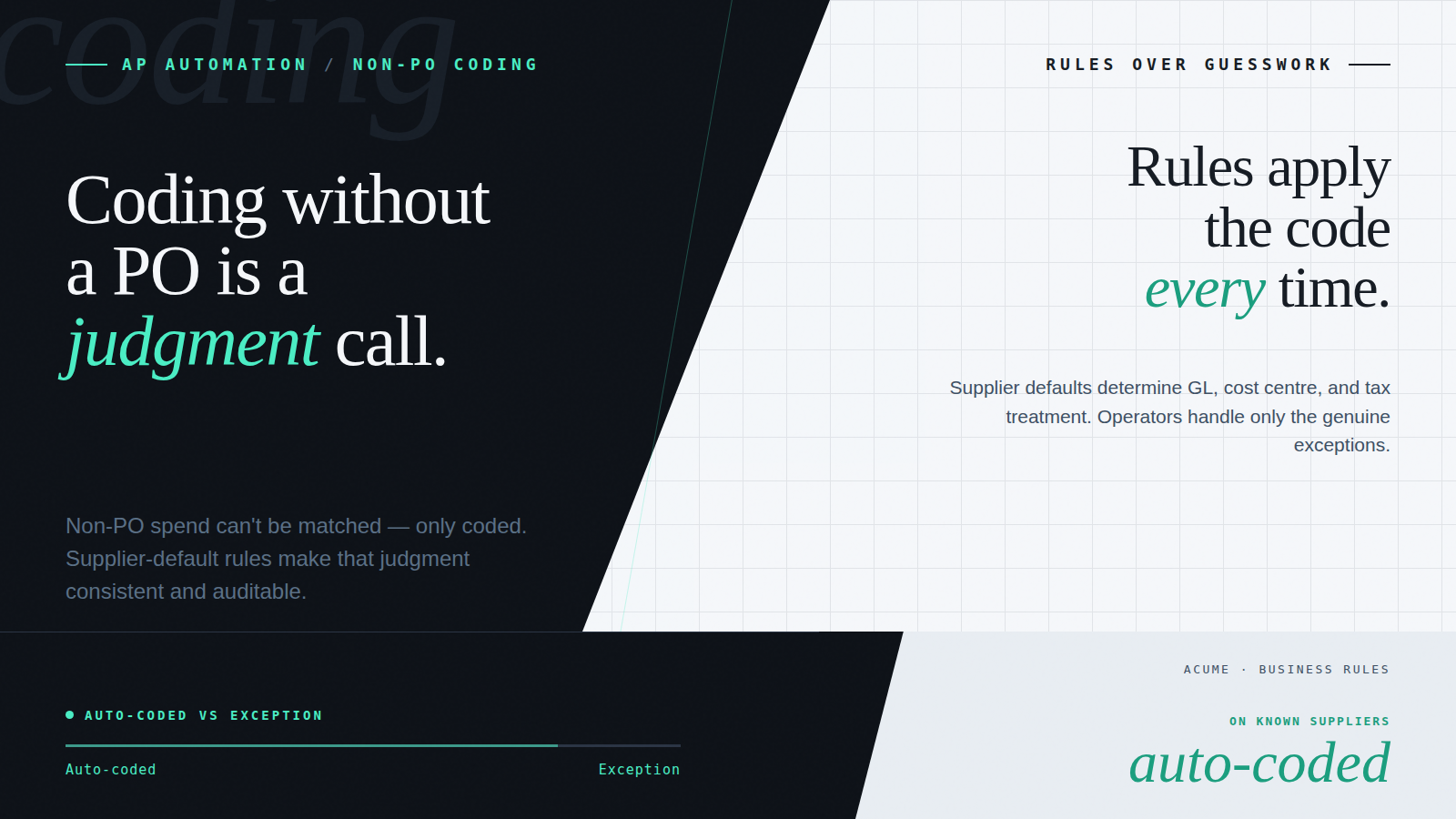
Rather than inferring intent from variable invoice text, Acume supports default coding at the supplier level. Finance teams define how invoices from a specific supplier should be coded, including complex percentage-based allocations across multiple branches or cost centres, and that coding is applied automatically on receipt. The logic is visible, auditable, and easily updated when allocations change.
In practice, this is where the capability becomes powerful. One organisation using Acume has supplier defaults configured to split invoices across fourteen branches, with percentage allocations applied instantly on receipt. The same invoice that previously required 15 minutes of spreadsheet work now processes in under 2 minutes, with no manual calculations and a complete audit trail.
This provides the balance between automation and control that AP business rules should deliver coding is applied consistently, allocations are predefined and repeatable, finance teams don’t recalculate splits for recurring invoices, and the logic remains transparent and auditable.
Line-Level Coding Without Repetition
For invoices with multiple line items, coding complexity increases further. A single invoice might contain dozens of lines, each representing a different good or service.
Rather than coding each line individually, users can apply a consistent coding structure across all lines in one action, then adjust specific lines where needed. This reflects real-world workflows where most invoice lines follow a standard pattern, and only a small number require exceptions.
The result is significantly less effort when processing multi-line invoices, particularly for organisations with high invoice volumes across multiple entities.
Cleaner Outcomes in the Accounting System
Once coding is complete, the next challenge is how that data reaches the accounting system. If every coded line is exported individually, it creates unnecessary complexity in the ERP, reconciliation overhead, cluttered reporting, and a harder audit trail to follow.
Acume addresses this by aggregating coded lines based on their final allocation. Instead of sending all individual lines to the accounting system, the platform consolidates values according to how they’ve been coded. Financial data stays accurate, reporting remains clear, and the accounting system isn’t burdened with the intermediate steps of the coding process.
For AP automation for finance teams processing high volumes across multiple entities, this makes a meaningful difference in both usability and reporting quality.
A Better Way to Handle Non-PO Invoice Coding
For organisations without purchase orders, coding is the most critical, and often the most time-consuming part of accounts payable. It’s where financial accuracy is determined, where costs are allocated across entities, and where reporting structures are defined.
Yet in many businesses, this work is still performed in spreadsheets.
The shift from calculation to control means bringing allocation directly into the invoice workflow: flexible value and percentage splits, supplier-level default coding, intelligent handling of multi-line invoices, and structured aggregation back to the ERP. Finance teams that make this shift spend less time calculating and more time on the decisions that matter.
And for ANZ businesses approaching the 2026 eInvoicing mandate, getting non-PO coding onto a governed platform now also means the workflow is ready to handle structured Peppol eInvoices natively, whether those invoices arrive from a long-standing supplier or a new government-registered trading partner.
Ready to Replace Spreadsheet Coding With a Governed Workflow?
Acume’s accounts payable automation platform is built for multi-entity businesses that process invoices without purchase orders. From flexible coding and supplier defaults to approval routing and ERP integration, it replaces manual calculation with controlled, auditable invoice workflow automation.
Frequently Asked Questions
What is non-PO invoice coding in accounts payable?
Non-PO invoice coding is the process of allocating and posting supplier invoices that arrive without a purchase order — assigning GL codes, cost centres, entity splits, and tax treatments before the invoice can be approved or paid. Unlike PO-matched invoices, where coding is pre-determined, non-PO invoices require a fresh allocation decision for each invoice, making them the primary source of manual effort in AP for businesses without structured purchasing.
Why is manual non-PO invoice coding a problem for multi-entity businesses?
Manual non-PO coding in multi-entity businesses requires the same calculation and reconciliation steps for every invoice, every time – split across multiple GL accounts, cost centres, or branches, outside the accounting system in a spreadsheet. A single miscalculation can misallocate costs across entities and distort reporting. The logic lives in a spreadsheet rather than the system, so it breaks when the person who built it isn’t available.
What is supplier-level default coding, and how does it work?
Supplier-level default coding is a configuration in the AP workflow that automatically applies predefined GL codes, cost centre splits, and percentage allocations to every invoice received from a specific supplier. Instead of calculating splits manually each time, the coding is applied on receipt, reviewed, and approved, eliminating the spreadsheet step for recurring invoices while keeping the allocation logic visible and auditable.
How does invoice workflow automation handle percentage-based cost splitting?
In a governed AP workflow, percentage-based splits are applied at the header level – the invoice total is divided among multiple branches, departments, or entities according to predefined ratios, with each allocation reducing the remaining balance in real time. The system ensures the full invoice amount is always accounted for, flags any rounding variances, and exports consolidated coded lines to the accounting system rather than individual allocation rows.
Does non-PO invoice automation work with Xero and MYOB?
Yes. Acume integrates directly with Xero and MYOB, pulling GL codes, tracking categories, tax logic, and supplier data from the accounting system. Non-PO coded invoices are exported to the accounting system in the same format as PO-matched invoices — the coding workflow sits between invoice receipt and ERP posting, handling the allocation logic without requiring any changes to the accounting system itself.
A demo on your actual workflow.
A live walkthrough using real data – the capture, the coding, the approval routing – and how it sits inside the AP workflow you already run. No slideware.